Difference between pages "File:Anak1n desktop.png" and "User:Moesasji"
(Difference between pages)
Jump to navigation
Jump to search
(Created page with "{{Person |Full name=Henkjan |Email=henkjans_bagger@hotmail.com |Nick=moesasji |Geoloc=51.2392263, -2.71483539999997 |Location name=Wells, United Kingdom |Roles={{Role |Role ty...") |
|||
| Line 1: | Line 1: | ||
{{Person | |||
|Full name=Henkjan | |||
|Email=henkjans_bagger@hotmail.com | |||
|Nick=moesasji | |||
|Geoloc=51.2392263, -2.71483539999997 | |||
|Location name=Wells, United Kingdom | |||
|Roles={{Role | |||
|Role type=User | |||
|Role desc=experience with FreeBSD, Gentoo and Debian | |||
|Start date=2008/07/05 | |||
}} | |||
|Maintains= | |||
|Blogs= | |||
}} | |||


Latest revision as of 17:36, December 29, 2012
Location
Wells, United Kingdom
File history
Click on a date/time to view the file as it appeared at that time.
| Date/Time | Thumbnail | Dimensions | User | Comment | |
|---|---|---|---|---|---|
| current | 06:04, April 27, 2014 | 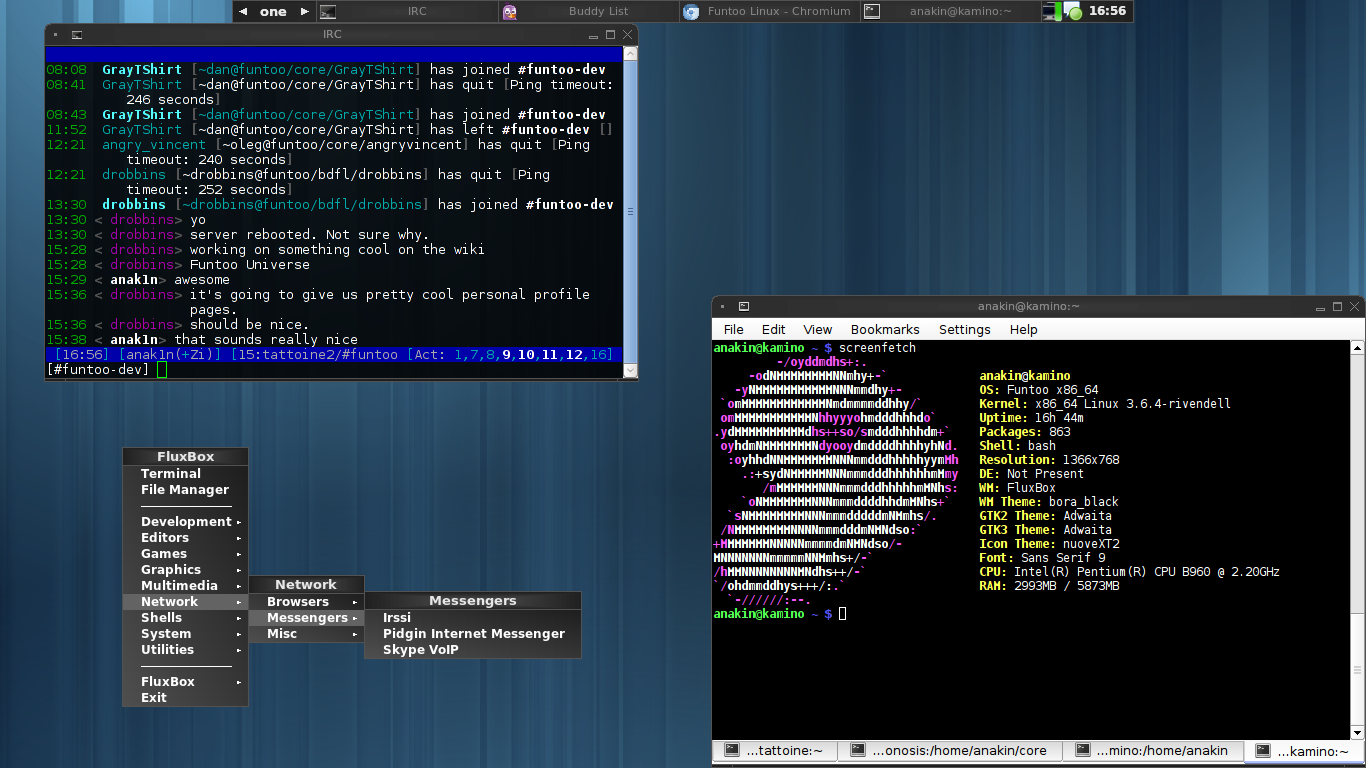 | 1,366 × 768 (332 KB) | Maintenance script (talk | contribs) | Importing file |
You cannot overwrite this file.
File usage
There are no pages that use this file.
